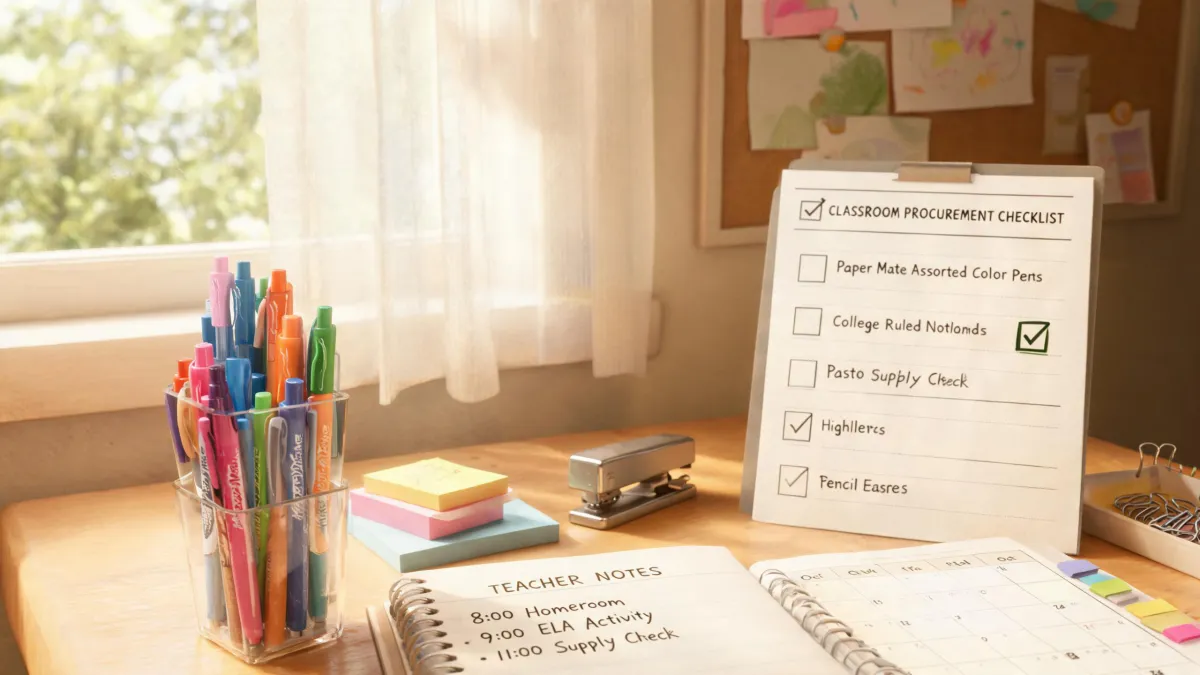
If you're the person in the office who ends up with a drawer full of Paper Mate pens that don't write, this one's for you. I'm an office administrator for a 200-person company, and I manage our supply ordering—roughly $15,000 a year across eight vendors. For the last five years, I've handled the constant stream of 'this pen is broken' requests. Most of the time, the pen isn't broken. This is the Paper Mate pen not writing fix I use when a pen skips or stops mid-word.
This is the checklist I use instead of immediately clicking 'reorder.' It requires nothing beyond scrap paper, an eraser, and maybe some rubbing alcohol. Here's what to do.
When This Checklist Is Worth Your Time
Before you start, ask yourself two questions. First: is the pen actually out of ink? Hold it to light or check the ink window. If it's nearly empty, move straight to refill or replace. Second: is the tip damaged? If the ballpoint is bent, cracked, or pushed in, no amount of rubbing will fix it. Same goes for a severely dried-out felt-tip marker—the fibers are probably gone. This checklist is for pens that have ink left and a tip that looks normal but skips, starts dry, or refuses to flow after the first few words.
Also, check that you're actually holding a pen. In a shared office, people put all sorts of things in supply drawers. I once had a staff member ask me to fix a 'highlighter' that wasn't writing. She handed me a Rare Beauty highlighter compact. That's makeup, not office stationery—so the fix is completely different. For today, we're only talking about Paper Mate pens.
The 5-Step Fix Checklist
Step 1: Identify the Pen Type and Ink System
Paper Mate makes a wide range of writing instruments—standard ballpoints like the classic, gel pens like the InkJoy gel, felt-tips like Flair, and liquid-ink rollerballs. The fix that works for one doesn't always work for another.
Ballpoints use oil-based ink that thickens and dries around the ball. That's why they're the most common candidates for that 'skips on the first line' problem. Gel pens use water-based gel that can form air bubbles or dry out if left uncapped. Felt-tips dry from the tip first. Knowing which one you're holding tells you which step to spend the most time on.
Checkpoint: You can identify the pen type by the label on the barrel or by the ink color and nib type. If it's a retractable pen, check for a refill number printed on the side.
Step 2: Prime the Ball With Scribbles
This sounds too simple, but it's the first thing I try. Take the pen and press it firmly on a piece of scrap paper. Make small circles, zigzags, and diagonal lines for 10 to 15 seconds. The friction heats the ball slightly and helps push fresh ink past the dried residue.
About half the pens that land on my desk start writing after this step alone. If the ink starts flowing but fades after a few words, you've got a partially clogged ball. Move to step 3. If nothing comes out after 15 seconds of scribbling, don't press harder—you'll just damage the tip.
Step 3: Clean the Ball and Tip
If scribbling doesn't work, the ball is probably coated in dried ink. This is where the practical fix comes in.
Find something with a slight grip—a thick rubber band, a pencil eraser, or even the sole of your shoe. Rub the tip back and forth against that surface for 10-20 seconds, then scribble on paper again. The rubber acts like a fine abrasive and pulls the dried ink off the ball.
If that doesn't work, use isopropyl alcohol. Put 70% alcohol in a bottle cap and dip just the metal tip for about 10 seconds. Wipe it dry with a tissue, then scribble on scrap paper. The alcohol softens the dried ink without affecting the plastic barrel if you're careful. Water won't work for oil-based ballpoint ink; alcohol can.
Checkpoint: After each method, try writing a few lines. If you get a solid line, the pen is ready. If it still skips, let it rest for a minute and redo the alcohol dip once.
Step 4: Replace the Refill
Not every Paper Mate model has a replaceable refill, but many do—especially retractable pens like the InkJoy 700 RT. If the pen still isn't writing after cleaning, refilling is cheaper than replacing the whole pen.
Check the side of the barrel for the refill number. Look up the model on the Paper Mate website or just search the number. In my experience, refills cost $2-4 each, while a 12-pack of new pens is $10-15 (based on major office supply retailer quotes, January 2025; verify current pricing). If you're handling pens for a whole office, swapping refills can cut your annual writing-instrument spend by a noticeable chunk.
When a refill isn't available, then and only then should you toss the pen. But before you do, give it one last look. Some pens have a cap that can be pulled off to reveal a longer ink cartridge. Others have a decorative grip that hides a screwhole. You'd be surprised how many pens are refillable if you actually try.
Checkpoint: If there's no refill number and the pen is one of the inexpensive stick models, recycling it is fine. Don't spend time searching for a needle in a haystack.
Step 5: Test Before You Return or Store
Once a pen is writing again, don't toss it back into a shared drawer and hope. Test it thoroughly. Write a full sentence, maybe two. Make sure the ink flows consistently on both the upstroke and the downstroke. This sounds like overkill, but it saves you from getting the same broken pen handed back to you three days later.
If you're managing supplies, label the pen or keep it in a separate 'working' tray. It's a small thing, but it tells your office that the old pen is good again, and it stops the cycle of people grabbing a dead pen and immediately ordering new supplies.
What Not to Do
- Don't heat the tip with a lighter or matches. Yes, it can melt dried ink temporarily, but it also melts the plastic and produces fumes you shouldn't breathe. It's not worth the risk in an office.
- Don't use excessive pressure. Pressing hard may get a few words out, but it flattens the ball or cracks the housing. If a pen doesn't write after gentle pressure, it's blocked, not stubborn.
- Don't use the pen for the first time on an important document. Always test on scrap paper. This is the rookie mistake I made when I first started managing supplies—I gave a freshly 'fixed' pen to a manager, and it skipped on the signature line. Embarrassing.
- Don't confuse stationery with makeup. A Rare Beauty highlighter is not a fluid highlighter pen. No amount of rubbing alcohol will make it write. And a Paper Mate pen won't work as makeup, either. Keep the categories separate.
- Don't order replacements before running this checklist. If you have 30 dead pens in a drawer, run the quick diagnostic on the 10 that look refillable. You'll likely save half of them.
The Bottom Line
I know a pen isn't a big-ticket item. But when you're spending tens of thousands of dollars on office supplies, small wins matter. You don't need a Dave Ramsey investment calculator to see the return on fixing a dozen pens instead of ordering a new box. It's $10-15 saved almost instantly—and it shows your team you're not throwing money away.
Plus, the fix has a practical side effect: you end up with extra working pens. Those are great for everyday use, including journaling. If you've ever wondered how to write a journal without a bunch of fancy tools, the answer is simple: start with a working pen and one sentence. That's it. The habit comes from showing up, and a pen that doesn't skip makes it much easier to show up.
It took me about three years and a lot of wasted ordering to understand that the cheapest line item is the one you don't buy. The five-step fix won't save you from every supply problem, but it will save you from throwing away perfectly good Paper Mate pens. And if you want an alternative that never skips, keep a few Paper Mate Mirado pencils in the drawer. They'll be there when the pens aren't.