-
Are Paper Mate Pink Pearl erasers worth paying more for in bulk?
-
Is it safe to buy old Paper Mate pens from resellers?
-
Is an Epson EcoTank printer actually cheaper for a small office?
-
How do I connect an Epson printer to a computer without calling IT?
-
Are Bentgo lunch boxes a sensible office purchase?
-
What's in the total cost of a supply order that nobody budgets for?
-
What single check prevents most supply rework?
I run procurement for a 240-person engineering firm. Office supplies, breakroom, the printer fleet, the stuff nobody wants to own. I've managed our $310,000 annual budget for seven years, negotiated with 40-plus vendors, and logged every order in our cost tracker since 2018. These are the questions I get asked most, and the answers I give without opening a spreadsheet.
What's in here:
- Are Paper Mate Pink Pearl erasers worth the premium in bulk?
- Is it safe to buy old Paper Mate pens from resellers?
- Is an Epson EcoTank printer actually cheaper for a small office?
- How do I connect an Epson printer to a computer without calling IT?
- Are Bentgo lunch boxes a sensible office purchase?
- What's in the total cost of a supply order that nobody budgets for?
- What single check prevents most supply rework?
Short version up front: most of the money I've lost wasn't lost on the product. It was lost on the order — the wrong pack size, the wrong model number, the wrong Wi-Fi band. Five minutes of checking beats five days of fixing.
Are Paper Mate Pink Pearl erasers worth paying more for in bulk?
Per eraser, yes, they cost more than the budget options in the catalog. That's the wrong number to look at. The number that matters is cost per corrected mistake. A smear on a client-facing form means a reprint, and a reprint costs more than a year of erasers.
Here's the honest version, though: the cheaper options vary more than the premium ones. Some are perfectly fine. The problem is you don't find out which until you've ordered 500 and half the office is complaining. That inconsistency is the real cost — not the price on the line item.
What actually trips people up is the pack size. I've watched 'box' mean 12 units at one vendor and 144 at another, and I've seen listings priced per eraser that read like per-box pricing. In my first year doing this, I made the classic unit-of-measure error and ordered what I thought was 40 boxes. It was 40 cases. Cost us about $600 in overage and two months of shelf space.
My rule now: buy one unit, use it for a week, then buy in bulk. (Should mention: I also make the vendor write the pack quantity on the quote, not just leave it on the catalog page.)
Is it safe to buy old Paper Mate pens from resellers?
Depends why you're buying them. If two people in the office swear by a discontinued model, buying a few from resellers is fine — you're paying a premium for a preference, and that's a legitimate line item if it keeps people from hoarding the last three in the supply closet.
Where it goes wrong is when you try to standardize on a discontinued SKU. Old ballpoint ink dries or thickens. Rubber grips harden. Pens that sat in a hot warehouse for eight years don't always write like new, and the first time you notice is usually when someone is signing something in front of a customer. You also get no manufacturer warranty and usually no returns.
Two rules. First, sample five to ten units and test them on the paper you actually use — a cheap recycled sheet will expose a skipping pen fast. Second, if a seller calls the stock 'new old stock' or 'factory sealed,' make them substantiate it. Under FTC guidance, advertising claims have to be truthful, not misleading, and backed by evidence. If they can't answer a direct question about storage conditions, that's your answer.
And if the model is genuinely popular across the team, find a current equivalent and buy refills while they still exist. Building a recurring process around an eBay listing is not a supply chain.
Is an Epson EcoTank printer actually cheaper for a small office?
Only if you print enough. The EcoTank business model is simple: more upfront, much less per page. Below a couple hundred pages a month, that upfront premium may never come back — the tank just sits there.
We print around 700 pages a month, maybe 800 in Q4, I'd have to check the meter. At that volume the ink math covers the upfront difference inside the first year, give or take. Your break-even depends on your color-to-black mix, so check Epson's published yields and the current bottle prices yourself — they move.
I went back and forth between an EcoTank and a small mono laser for about three weeks. The EcoTank offered cheap color and no cartridge runs; the laser offered speed and tolerance for sitting idle for a month at a time. I ultimately chose the EcoTank because our admin team prints color client packets every week, and idle time isn't our pattern.
That said, if your office prints 50 pages a month, I'd look harder at the laser. An inkjet that sits unused is a maintenance question, not a cost question — and maintenance questions are the ones that show up as a line item six months later.
How do I connect an Epson printer to a computer without calling IT?
Ninety percent of 'it won't connect' tickets come down to three things: wrong Wi-Fi band, wrong driver, or a network that won't let devices see each other. Here's the order I do it in.
- Write down the exact model number from the front of the printer. Not the series — the model.
- Decide USB or Wi-Fi before you start. USB is one cable and no network politics. Wi-Fi is worth it if more than one person prints.
- For Wi-Fi, run the printer's own setup wizard from its panel (or Epson's Smart Panel app) and pick your 2.4 GHz network name. If the only SSID you can see is 5 GHz, that's your problem right there.
- Install the full driver package from Epson's support page for that exact model — not just the generic driver Windows or macOS offers. You'll want it for scanning and firmware updates.
- On Windows: Settings → Bluetooth & devices → Printers & scanners → Add device. On Mac: System Settings → Printers & Scanners → Add Printer.
- Print a network status sheet and tape it inside the printer door.
That last step looks like busywork. It isn't. When the printer drops off the network eight months from now, you'll have the IP address and firmware version without walking to the machine.
Also worth knowing before you spend an hour reinstalling: guest networks, and corporate Wi-Fi with client isolation turned on, will block a printer from being discovered no matter how many times you run the installer. If a laptop on VPN can't find the printer, that's usually the cause — not the printer.
Are Bentgo lunch boxes a sensible office purchase?
Fine as a perk, if you check three things first: whether the specific model is leak-proof or just compartmentalized, whether the parts are dishwasher-safe, and how much food an adult actually eats versus what the compartments hold. The kid-focused models are sized for kids, and handing one to a 6-foot engineer is a short conversation.
Order three, run them through a real work week in your office, then buy the rest. The cost per employee is small next to the alternative — a shared fridge where four lunches leak into each other every week is a morale problem you can't solve with a memo.
Two operational notes. Buy the same model for everyone; mixed models means mixed lids, and mixed lids means missing lids. And check how much room they take in the office dishwasher, because if you're washing 30 of them on Friday, someone has to own that job.
Also: if a supplier markets a box as 'leak-proof,' they should be able to back it up. Ask what test they ran. It's a two-line email, and it's the difference between a perk and a complaint.
What's in the total cost of a supply order that nobody budgets for?
The one nobody asks, and the one that eats budgets. When I price a replenishment order, the quoted unit price is maybe 60% of the number that actually lands.
- Unit of measure. 'Box' is not a unit. Neither is 'pack.'
- Freight. Free shipping thresholds are a sales tactic. Adding $40 of things you didn't need in order to save $12 in freight is a net loss, and I've done it more than once.
- Rush fees. Usually 25–50% of the order, and usually caused by a late approval on our side, not the vendor's.
- Storage. Overordering is a loan you take out in shelf space.
- Disposal. If a supplier calls pens 'recyclable,' that claim should be substantiated. The FTC's Green Guides say a recyclable claim should hold in areas where at least 60% of consumers can actually recycle the item. Ask where. In a lot of offices the honest answer is 'the trash,' and that changes what you tell your staff.
- Rework. The reprint, the reorder, the apology email.
Concrete example: I saved $80 by skipping expedited freight on a supply shipment. The standard delivery missed our onboarding date, and I paid $400 for a rush reorder from a local store. Net loss: $320, plus a morning I'm not getting back.
Even postage belongs on the list if you're mailing welcome kits to remote staff. According to USPS (usps.com), as of January 2025 a First-Class Mail large envelope at 1 oz runs $1.50. If you're sending 60 kits and you assumed letter rate, you're $45 off before you've started.
What single check prevents most supply rework?
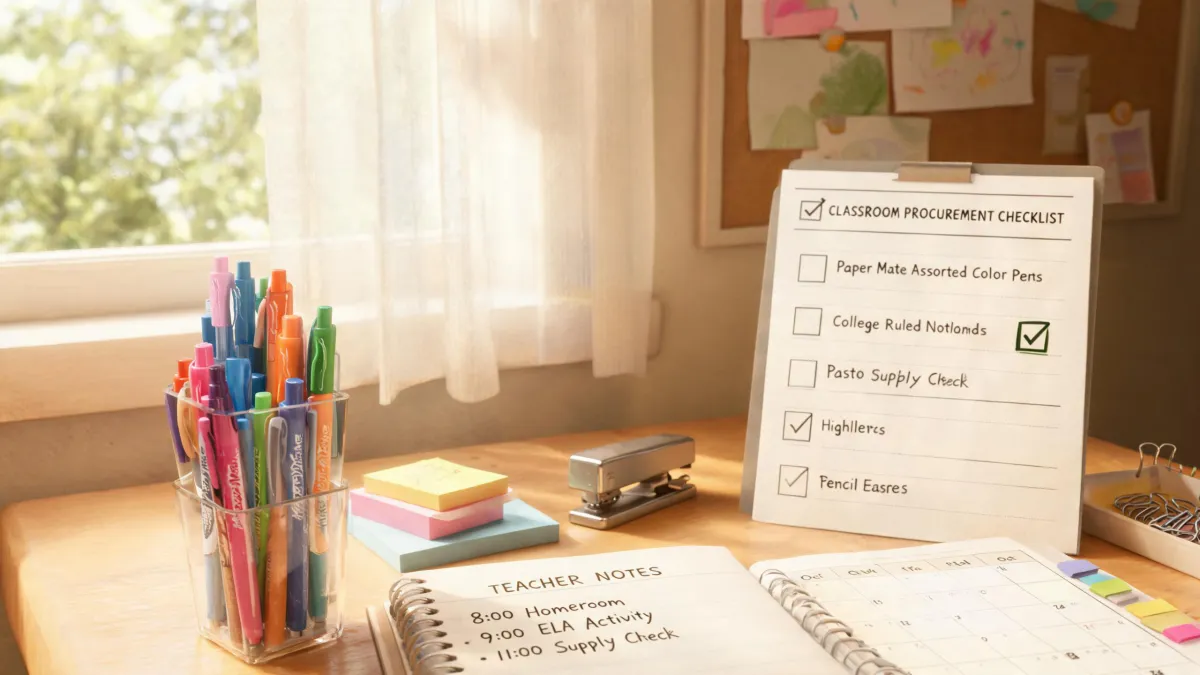
The five-minute pre-flight. Before any order over $500 goes out, I check six things: exact model or SKU; pack quantity and unit of measure; refill or accessory compatibility; ink type and color; ship-to and required-in-hand date; and whether we've used this exact item before. If the answer to the last one is no, we buy one and test it.
I built that list after the $600 overorder. Since then it's caught a wrong cartridge series, a case-versus-box mismatch, and one shipment headed to an office we'd closed the previous quarter. I'd guess it saves us more than the mistake cost every year, but I'd have to pull the actual numbers to put a figure on it.
The pattern behind every answer above is the same. Every expensive problem I've had in seven years was visible before the PO went out — in a fine-print pack size, an SSID, a weight limit, a model number, a storage condition. Nobody catches all of them. Checking six things before you buy is the cheapest insurance in the department, and it doesn't require a budget approval to implement.